చెన్నైలోని engineering టీమ్లు
XML Views, Java నుంచి Kotlin, Composeకు మారుతున్న Android టీమ్లు, లేదా web, backend developersను mobile projectకు తీసుకొస్తున్న కంపెనీలు.
చెన్నై · Corporate · College · Developer
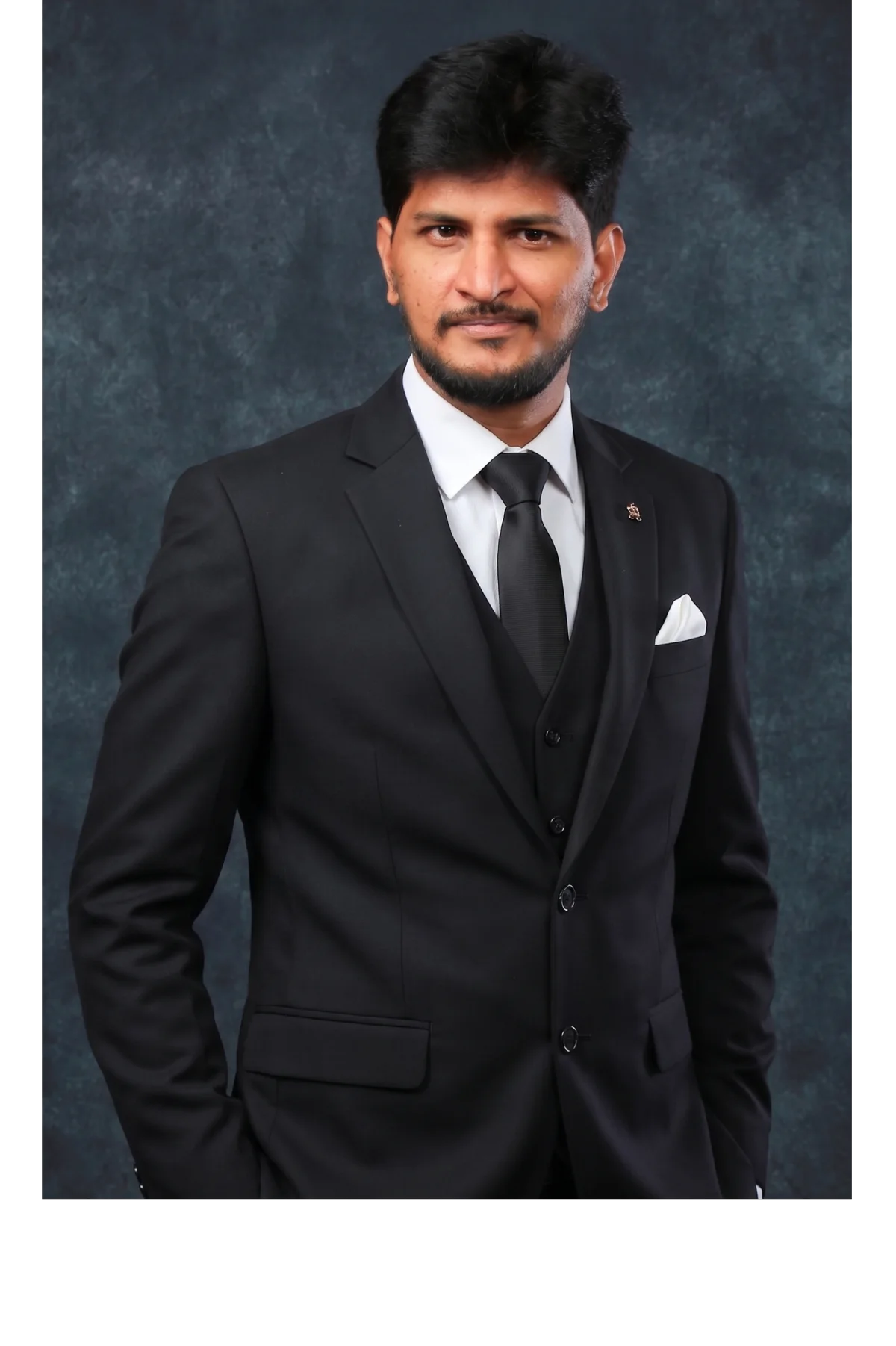
Kotlin, Jetpack Compose, ఆధునిక app architecture కవర్ చేసే, trainer స్వయంగా నడిపే Android development ట్రైనింగ్, చెన్నై నుంచి. Developers, engineering టీమ్లు, కాలేజీల కోసం రూపొందించింది. Google Associate Android Developer సర్టిఫికేషన్ పొంది, 2016లో AndroidManifester స్థాపించినప్పటి నుంచి 15,000+ మందికి ట్రైనింగ్ ఇచ్చిన K P రంజిత్ కుమార్ నేర్పిస్తారు.
🗣️ ట్రైనింగ్ ఇంగ్లీష్లో జరుగుతుంది; మీ సందేహాలకు తెలుగులో కూడా వివరణ ఇస్తాం.
K P రంజిత్ కుమార్ నేర్పిస్తారు · Google Associate Android Developer సర్టిఫికేషన్ · మణపాక్కం, చెన్నై
ఎవరి కోసం
Corporate, developer tracksకు ఏదైనా ఒక భాషలో బేసిక్ programming తెలిసి ఉండాలి. పూర్తిగా కొత్తవారు techmanifester.inలోని public bootcampతో మొదలుపెట్టవచ్చు.
XML Views, Java నుంచి Kotlin, Composeకు మారుతున్న Android టీమ్లు, లేదా web, backend developersను mobile projectకు తీసుకొస్తున్న కంపెనీలు.
ఇప్పటికే కొంత code రాసేవారు; ఈరోజు చేసే పద్ధతిలో ఒక నిజమైన Android app build చేసి ship చేయడానికి ఒక క్రమమైన దారి కావాలనుకునేవారు.
విద్యార్థుల కోసం industry నడిపే Android workshop లేదా value-added course కావాలనుకునే చెన్నై, చుట్టుపక్కల ఇంజనీరింగ్, ఆర్ట్స్ & సైన్స్ కాలేజీలు.
ఫలితాలు
సిలబస్
పాల్గొనేవారి స్థాయికి తగ్గట్టు modules క్రమం, లోతు మారుస్తాం. Beginner batches Kotlinపై ఎక్కువ సమయం గడుపుతాయి; అనుభవం ఉన్న టీమ్లు architecture, testingలో మరింత లోతుగా వెళ్తాయి.
Topic పేర్లు industryలో వాడే ఇంగ్లీష్ పదాల్లోనే ఉన్నాయి.
తర్వాతి అన్ని modulesకు పునాది అయిన భాష.
Features రాసే ముందు toolsపై పట్టు.
మొదటి composable నుంచి పూర్తి screen వరకు declarative UI.
Screensను ఒక appగా మార్చడం.
Business logicను UI నుంచి వేరుగా ఉంచడం.
Local storage, network data సరైన పద్ధతిలో.
Callback chains లేకుండా asynchronous పని.
పెరిగే codebaseకు నిర్వహించడానికి సులువైన wiring.
Release ముందు నమ్మకం.
Debug build నుంచి పబ్లిష్ అయిన app వరకు.
ఫార్మాట్లు, షెడ్యూల్, ఫీజు
ఫీజు ఫార్మాట్, వ్యవధి, గ్రూప్ సైజ్పై ఆధారపడుతుంది; ఒక చిన్న call తర్వాత చెబుతాం. Public bootcamp ధరలు techmanifester.inలో ఉన్నాయి.
చెన్నైలో మీ ఆఫీస్లో ఆన్సైట్, లేదా వేర్వేరు చోట్ల ఉన్న టీమ్లకు లైవ్ ఆన్లైన్. మీ codebase, లక్ష్యాల గురించి ఒక call తర్వాత రూపొందిస్తాం.
మీ computer labలో hands-on sessions: ఒక రోజు workshop నుంచి 30 గంటల value-added course వరకు.
Public bootcamps, beginner workshops techmanifester.inలో ఉన్నాయి.
ఎందుకు TechManifester
మొత్తం programకు ఒకే trainer. సిలబస్ రూపొందించిన వ్యక్తి దగ్గరే నేర్చుకుంటారు, మారుతూ ఉండే ప్యానెల్ దగ్గర కాదు.
ఉదాహరణలు నిజమైన apps ship చేసిన అనుభవం నుంచి వస్తాయి. రంజిత్ తన సొంత Android appsను Google Playలో పబ్లిష్ చేస్తారు; release, crash, review సమస్యలను అనుభవంతో నేర్పిస్తారు.
XML-first కాదు, Compose-first. కొత్త screens ఈరోజు Google సూచించే పద్ధతిలో build చేస్తాం; ఇంకా Views నిర్వహిస్తున్న టీమ్లకు ఒక చిన్న bridge భాగం ఉంటుంది.
Corporate లోతు. ఇదే trainer IBM India, Toyota Connect, Tata Steel, Sify, KPIT టీమ్లకు Android programs నిర్వహించారు.
మీ trainer
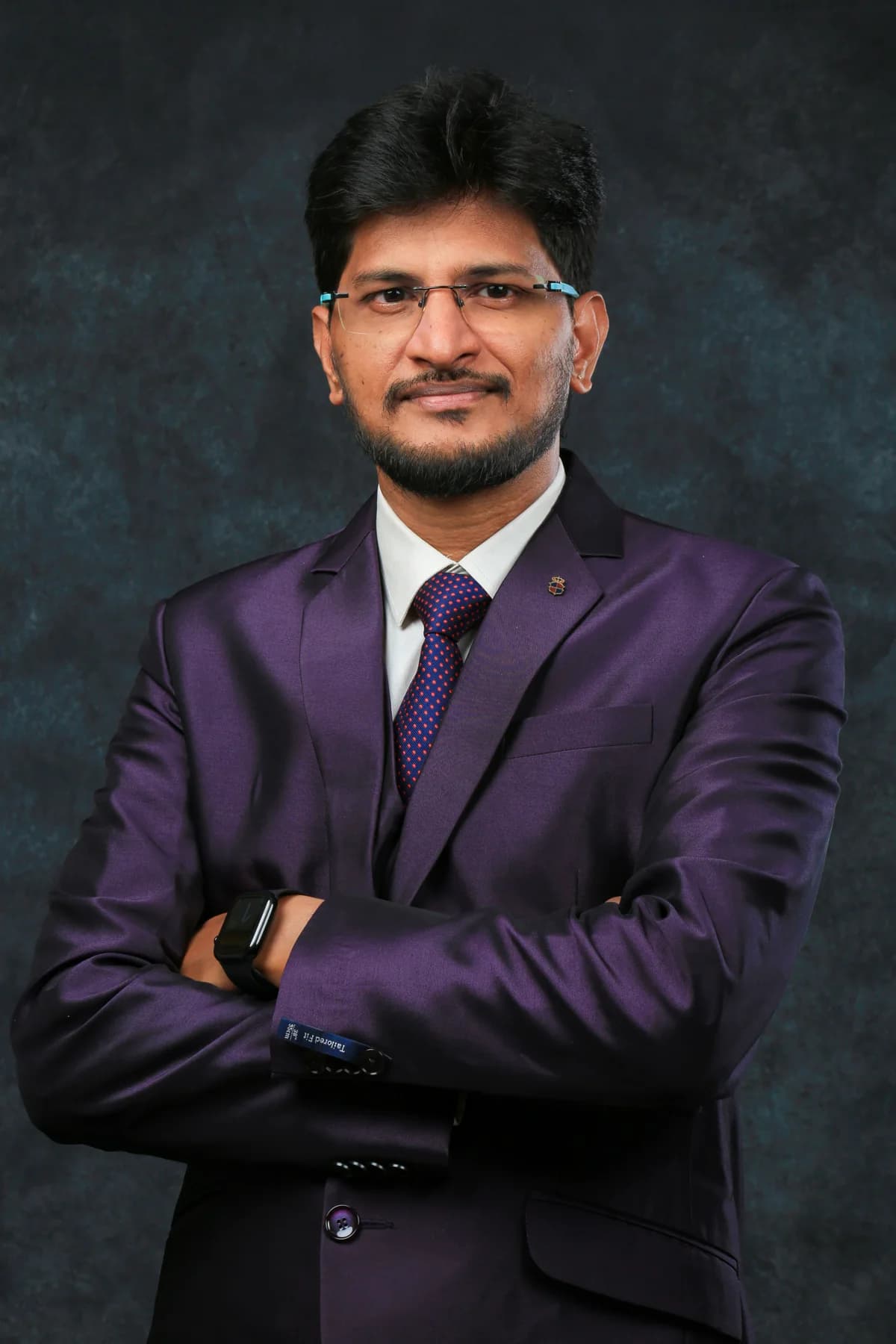
రంజిత్కు 12+ సంవత్సరాల అనుభవం ఉంది; 15,000+ మందికి ట్రైనింగ్ ఇచ్చారు. 2016లో చెన్నైలో AndroidManifester స్థాపించారు; అదే ఈరోజు TechManifesterగా ఎదిగింది. Google Associate Android Developer సర్టిఫికేషన్ పొందారు; తన సొంత appsను Google Playలో పబ్లిష్ చేస్తారు.
ఆయన ట్రైనింగ్ ఇచ్చిన సంస్థలు, విద్యా సంస్థల్లో కొన్ని: Tata Steel, Toyota Connect, IBM India, IIT Hyderabad, IIT Madras, INTI International University Malaysia, Sify, KPIT.
Founder గురించి (ఇంగ్లీష్లో) చదవండితరచుగా అడిగే ప్రశ్నలు
ట్రైనింగ్ ఇంగ్లీష్లో జరుగుతుంది. అర్థం కాని చోట్ల, మీ సందేహాలకు తెలుగులో వివరణ ఇస్తాం. ఇది పూర్తిగా తెలుగులో జరిగే ట్రైనింగ్ కాదు. Code, tools, slides అన్నీ ఇంగ్లీష్లోనే ఉంటాయి.
TechManifester వ్యవస్థాపకుడు K P రంజిత్ కుమార్. Google Associate Android Developer సర్టిఫికేషన్ పొందారు; 12+ సంవత్సరాల అనుభవం, 15,000+ learners. 2016లో చెన్నైలో AndroidManifester స్థాపించారు; అది TechManifesterగా ఎదిగింది.
Corporate sessions చెన్నైలో మీ ఆఫీస్లో లేదా లైవ్ ఆన్లైన్లో. కాలేజీ sessions కాలేజీ labలో. TechManifester మణపాక్కం, చెన్నై 600125లో ఉంది.
Kotlin. ఇంకా Java code నిర్వహిస్తున్న టీమ్లకు, mixed codebaseలో పని చేయడానికి ఒక చిన్న Java-to-Kotlin module ఉంటుంది.
Courseలో ప్రధాన UI toolkit Compose. XML Views ఇంకా నిర్వహిస్తున్న టీమ్లకు మాత్రమే కవర్ చేస్తాం, ఉన్న XML appకు Compose ఎలా జోడించాలో సహా.
ఫార్మాట్పై ఆధారపడుతుంది: ఒక రోజు hands-on workshop నుంచి 30 గంటల program వరకు. Corporate programs మీ టీమ్ పనికి సరిపడేలా హాఫ్-డే లేదా ఫుల్-డే sessionsగా ఉంటాయి.
అవును. ప్రతి module ఒకే working appకు జోడిస్తుంది; చివరికి ప్రతి ఒక్కరి దగ్గర స్వయంగా build చేసిన project ఉంటుంది, slides మాత్రమే కాదు.
లేదు. ట్రైనింగ్ ప్రాక్టికల్ skills, ఒక portfolio projectపై దృష్టి పెడుతుంది. TechManifester ఉద్యోగాలు లేదా placements హామీ ఇవ్వదు.
అవును, techmanifester.inలోని public bootcamps ద్వారా. Coding అనుభవం లేనివారి కోసం రూపొందించినవి.
సంబంధిత ట్రైనింగ్లు
నిలిచి ఉండే సామర్థ్యం
టీమ్ సైజ్, tech stack, మీరు ఆశించే ఫలితం షేర్ చేయండి. Sales desk కాదు, నేరుగా రంజిత్తోనే మాట్లాడతారు.